The 3 Best AI Tools for Code Generation
Accelerate your development process with AI tools that assist in generating and optimizing code.
Accelerate your development process with AI tools that assist in generating and optimizing code.
The 3 Best AI Tools for Code Generation
Hey there, fellow developers and tech enthusiasts! Ever found yourself staring at a blank screen, battling with a stubborn bug, or just wishing you could speed up your coding process? Well, you're in luck because AI-powered code generation tools are here to revolutionize the way we write software. These aren't just fancy autocomplete features; we're talking about sophisticated systems that can understand your intent, suggest entire blocks of code, and even help you refactor existing projects. Let's dive into the top three contenders that are making waves in the developer community.
GitHub Copilot Your AI Pair Programmer
First up, we have GitHub Copilot, often hailed as your AI pair programmer. Developed by GitHub in collaboration with OpenAI, Copilot is powered by OpenAI's Codex model, which has been trained on a vast dataset of publicly available code. This means it understands a wide array of programming languages and coding styles.
What GitHub Copilot Does Best
Copilot excels at suggesting code in real-time as you type. It can complete entire functions, generate boilerplate code, and even translate comments into executable code. Imagine writing a comment like // create a function to sort an array of numbers, and Copilot immediately pops up with a fully functional sorting algorithm. It's pretty mind-blowing!
Use Cases for GitHub Copilot Developers and Efficiency
- Rapid Prototyping: Need to quickly spin up a new feature or test an idea? Copilot can generate the initial structure and common patterns, saving you valuable time.
- Learning New Languages/Frameworks: When you're dabbling in a new language, Copilot can provide syntax suggestions and common idioms, acting as a helpful guide.
- Reducing Boilerplate: Say goodbye to repetitive code. Copilot can generate getters, setters, constructors, and other common code structures with ease.
- Bug Fixing and Refactoring: While not a dedicated debugger, Copilot can sometimes suggest alternative implementations or highlight potential issues based on common patterns.
Pricing and Availability GitHub Copilot Subscription
GitHub Copilot operates on a subscription model. For individual developers, it typically costs around $10 per month or $100 per year. There are also business plans available for teams. It integrates seamlessly with popular IDEs like VS Code, Neovim, JetBrains IDEs, and Visual Studio.
Comparison with Other Tools GitHub Copilot vs Tabnine
While Copilot is fantastic, it's worth noting that its suggestions can sometimes be overly generic or even incorrect, requiring careful review. It's a powerful assistant, not a replacement for human judgment. Compared to tools like Tabnine, which focuses more on intelligent code completion based on your codebase, Copilot aims for broader code generation from natural language prompts.
Tabnine AI Code Completion and Generation
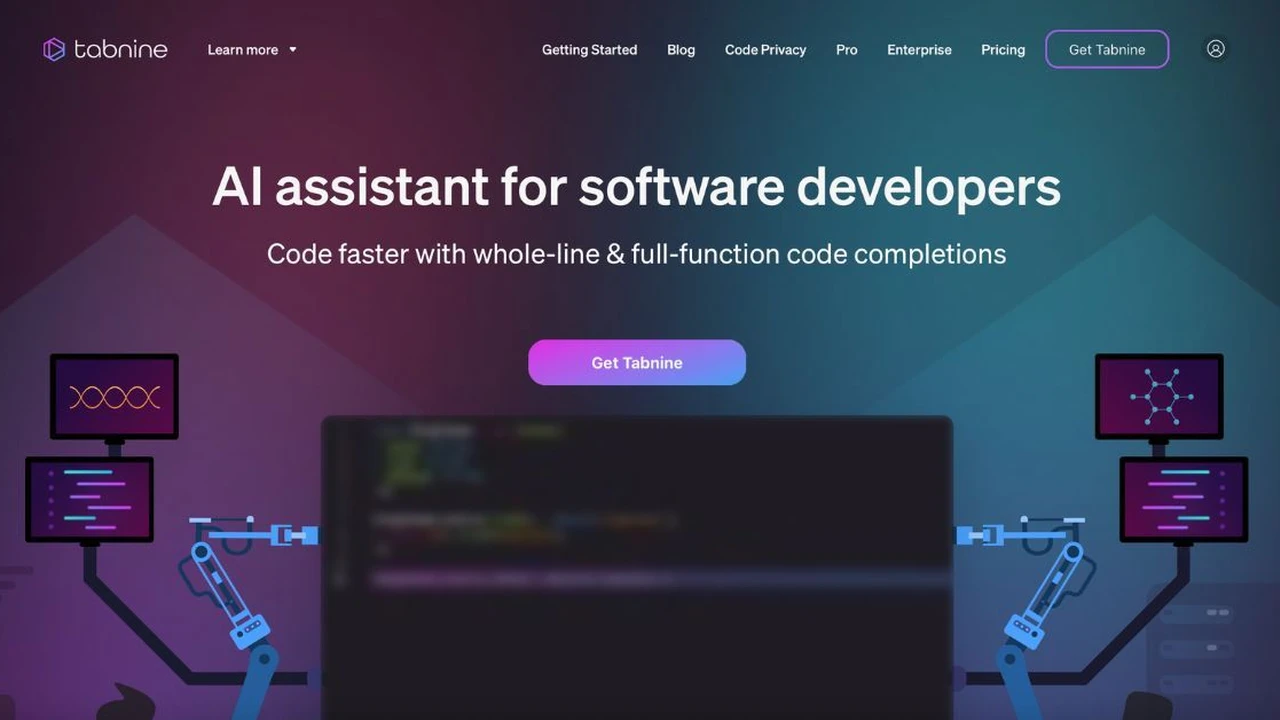
Next on our list is Tabnine, another robust AI code completion tool that has gained significant traction. Unlike Copilot, which is more about generating new code from scratch based on natural language, Tabnine focuses heavily on context-aware code completion and generation within your existing codebase.
Key Features of Tabnine Contextual Code Suggestions
Tabnine uses deep learning models to predict and suggest the next lines of code based on the context of your project, the files you're working on, and even your personal coding style. It learns from your code, making its suggestions increasingly relevant over time. This means it's excellent for maintaining consistency and adhering to project-specific conventions.
Benefits of Using Tabnine Increased Productivity
- Highly Accurate Suggestions: Because it learns from your specific codebase, Tabnine's suggestions are often more precise and relevant to your project's context.
- Supports Many Languages: Tabnine supports over 30 programming languages, making it versatile for diverse development environments.
- Privacy Focused: Tabnine offers options for local models, ensuring your code never leaves your machine, which is a big plus for sensitive projects.
- Faster Development Cycles: By reducing the need to type out repetitive code or look up syntax, Tabnine significantly speeds up development.
Tabnine Pricing and Plans Free and Pro Options
Tabnine offers a free tier with basic code completion features. For more advanced capabilities, including longer code completions, private code training, and team collaboration features, they offer a Pro plan, typically around $12 per month or $120 per year. They also have enterprise solutions for larger organizations. Tabnine integrates with most popular IDEs, including VS Code, IntelliJ, PyCharm, and Sublime Text.
Tabnine vs GitHub Copilot Choosing the Right Tool
The choice between Tabnine and GitHub Copilot often comes down to your primary need. If you're looking for an AI that can generate entirely new functions or translate comments into code, Copilot might be your go-to. If you prioritize highly accurate, context-aware completions that learn from your specific project and maintain consistency, Tabnine is an excellent choice. Many developers even use both in conjunction, leveraging Copilot for initial generation and Tabnine for refining and completing within the project context.
Amazon CodeWhisperer Secure Code Generation
Last but certainly not least, we have Amazon CodeWhisperer. This tool from AWS is designed to provide real-time code recommendations based on your comments and existing code. What sets CodeWhisperer apart is its strong emphasis on security and its integration with AWS services, making it particularly appealing for developers working within the Amazon ecosystem.
Unique Advantages of Amazon CodeWhisperer Security and AWS Integration
CodeWhisperer is trained on a vast amount of code, including Amazon's own internal code, open-source projects, and public data. A key differentiator is its security scanning feature, which can identify potential vulnerabilities in the generated code and suggest fixes. This is a massive benefit for enterprise-level development where security is paramount.
Practical Applications for Amazon CodeWhisperer Cloud Development
- AWS Service Integration: If you're building applications on AWS, CodeWhisperer is incredibly useful. It can suggest code snippets for interacting with S3, Lambda, DynamoDB, and other AWS services, significantly accelerating cloud development.
- Security-Conscious Development: Its built-in security scanning helps developers write more secure code from the outset, reducing the risk of vulnerabilities.
- Enterprise Development: For large organizations with strict security and compliance requirements, CodeWhisperer's focus on secure code generation is a major advantage.
- Polyglot Programming: CodeWhisperer supports multiple languages, including Python, Java, JavaScript, TypeScript, C#, Go, Rust, PHP, Ruby, Kotlin, SQL, and Scala.
Pricing and Access Amazon CodeWhisperer Free Tier
Amazon CodeWhisperer offers a generous free tier for individual developers, allowing you to use it without cost for personal projects. For professional use and enterprise features, there are paid tiers available, with pricing details typically found on the AWS website. It integrates with popular IDEs like VS Code, IntelliJ IDEA, and AWS Cloud9.
CodeWhisperer vs Competitors Focus on Security
While GitHub Copilot and Tabnine are excellent general-purpose code generation tools, CodeWhisperer carves out a niche with its strong focus on security and deep integration with the AWS ecosystem. If you're an AWS developer or work in an environment where code security is a top priority, CodeWhisperer offers a compelling value proposition that its competitors don't emphasize as much.
Choosing Your AI Code Generation Tool Making the Right Decision
So, which AI code generation tool is right for you? It really depends on your specific needs, workflow, and budget. Here's a quick rundown to help you decide:
- For broad code generation and natural language to code translation: GitHub Copilot is a fantastic choice. It's like having a super-smart assistant who can draft entire functions based on your comments.
- For highly accurate, context-aware code completion within your existing codebase: Tabnine shines here. It learns your project's nuances and helps maintain consistency, making it ideal for established projects and teams.
- For secure code generation, especially within the AWS ecosystem: Amazon CodeWhisperer is your go-to. Its security scanning and AWS integration are invaluable for cloud-native development and enterprise environments.
Many developers find success by combining these tools. For instance, you might use Copilot for initial scaffolding and then rely on Tabnine for detailed, context-specific completions. Or, if you're heavily invested in AWS, CodeWhisperer might be your primary tool, supplemented by others for different tasks.
The world of AI-powered code generation is evolving rapidly. These tools are not just about writing code faster; they're about reducing cognitive load, minimizing errors, and allowing developers to focus on more complex problem-solving and innovative design. Embrace these AI assistants, and you might just find yourself enjoying coding even more!
:max_bytes(150000):strip_icc()/277019-baked-pork-chops-with-cream-of-mushroom-soup-DDMFS-beauty-4x3-BG-7505-5762b731cf30447d9cbbbbbf387beafa.jpg)